RepairLab · App for the Mac
Board repair,
step by step.
RepairLab trains your team to become board-level technicians and guides them through real repairs in the workshop: from the first test point to the report.
macOS 14 or later · Apple silicon and Intel · Licensed through PS Core
Who it is for
For workshops that
repair at board level.
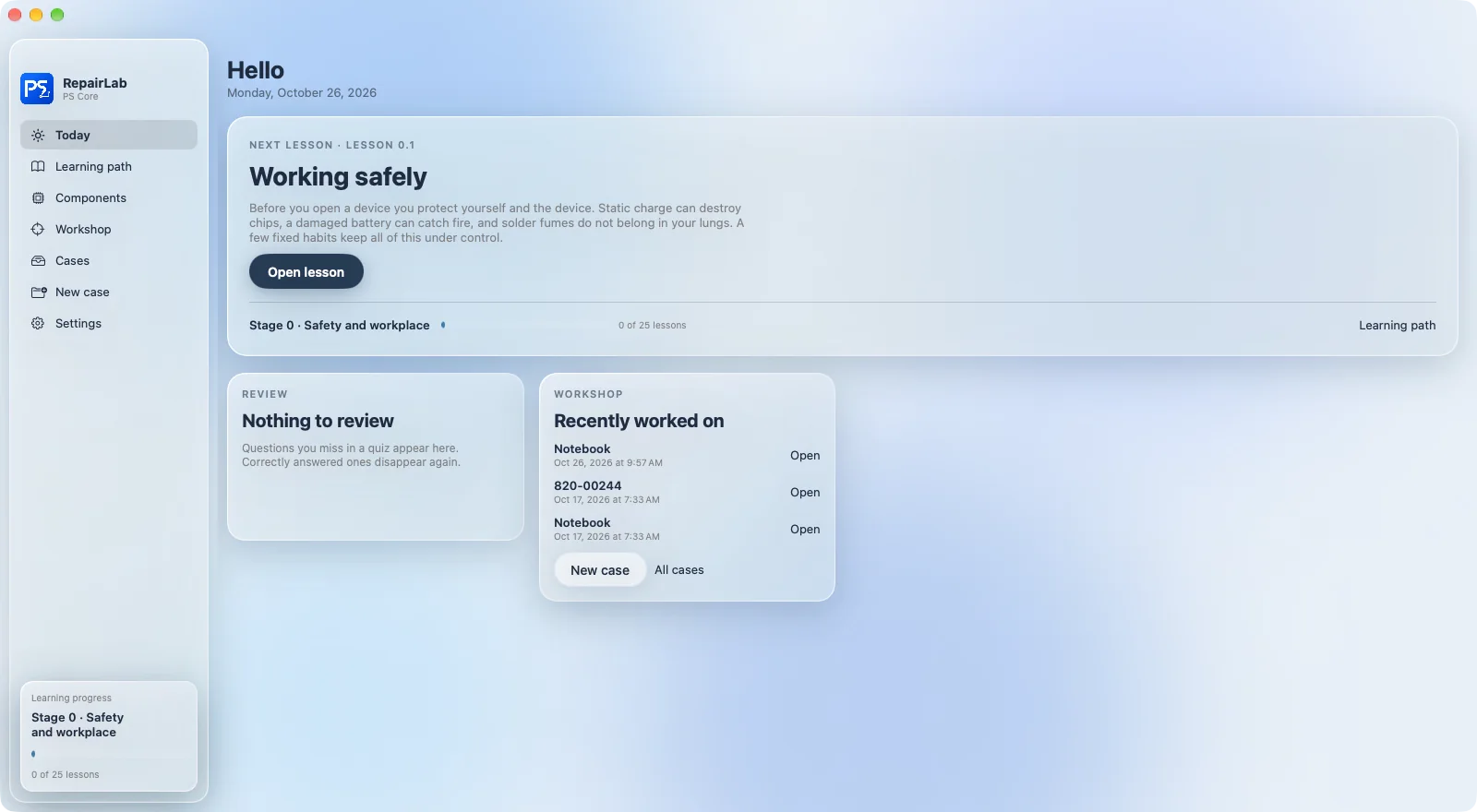
Board repair runs on experience. RepairLab makes it shareable: new staff learn the basics at their own pace, experienced technicians work with boardview, schematic and guided measurement steps. Every case stays traceable.
Learning path
From the first volt
to fault finding.
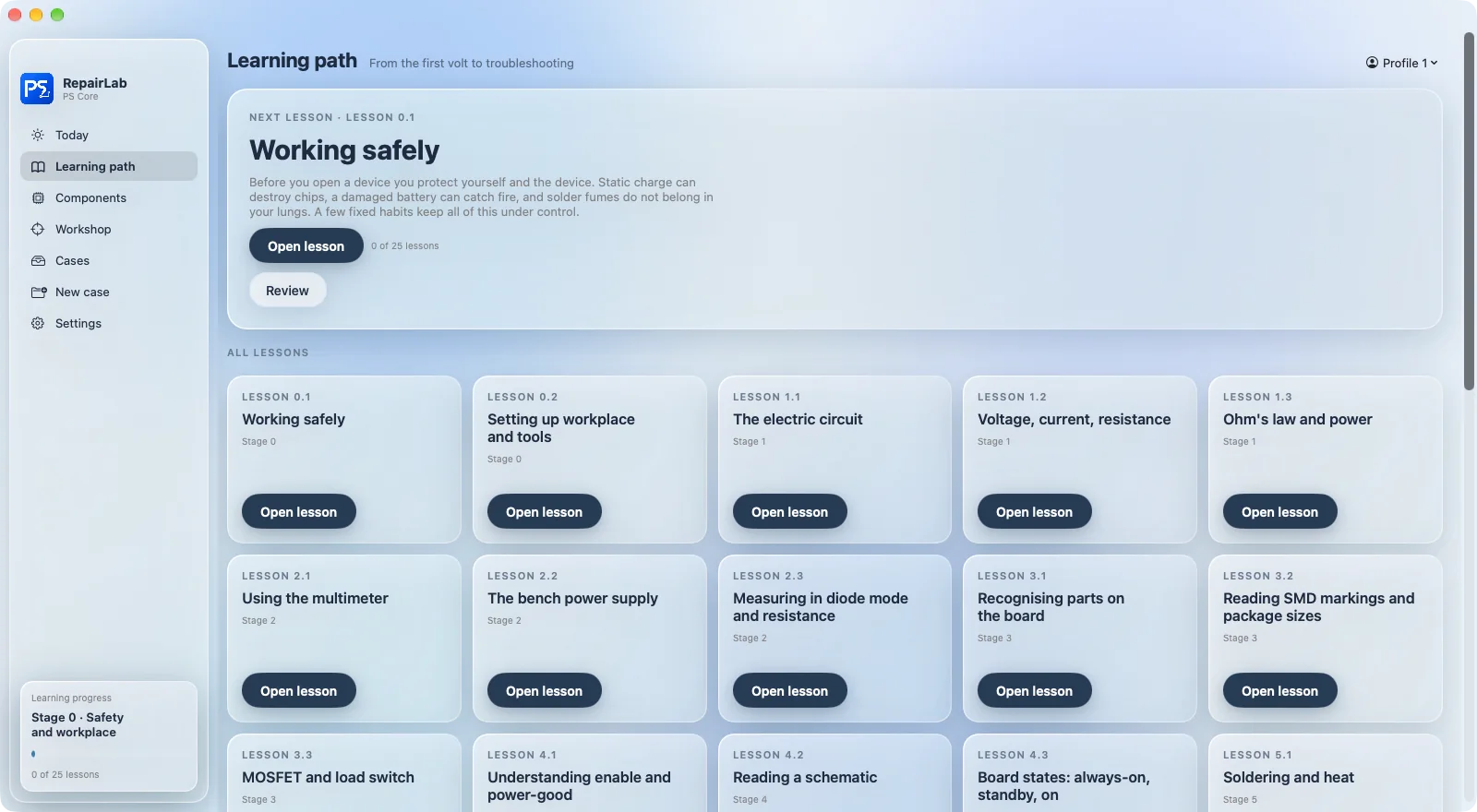
Eight levels with 25 lessons, each with an explanation, examples, a quiz and flashcards. Every level ends with an exam.
- Individual progress for every team member
- Pass at 80 % with a PDF certificate
- Wrong answers come back for review
Workshop
Measure where it counts.
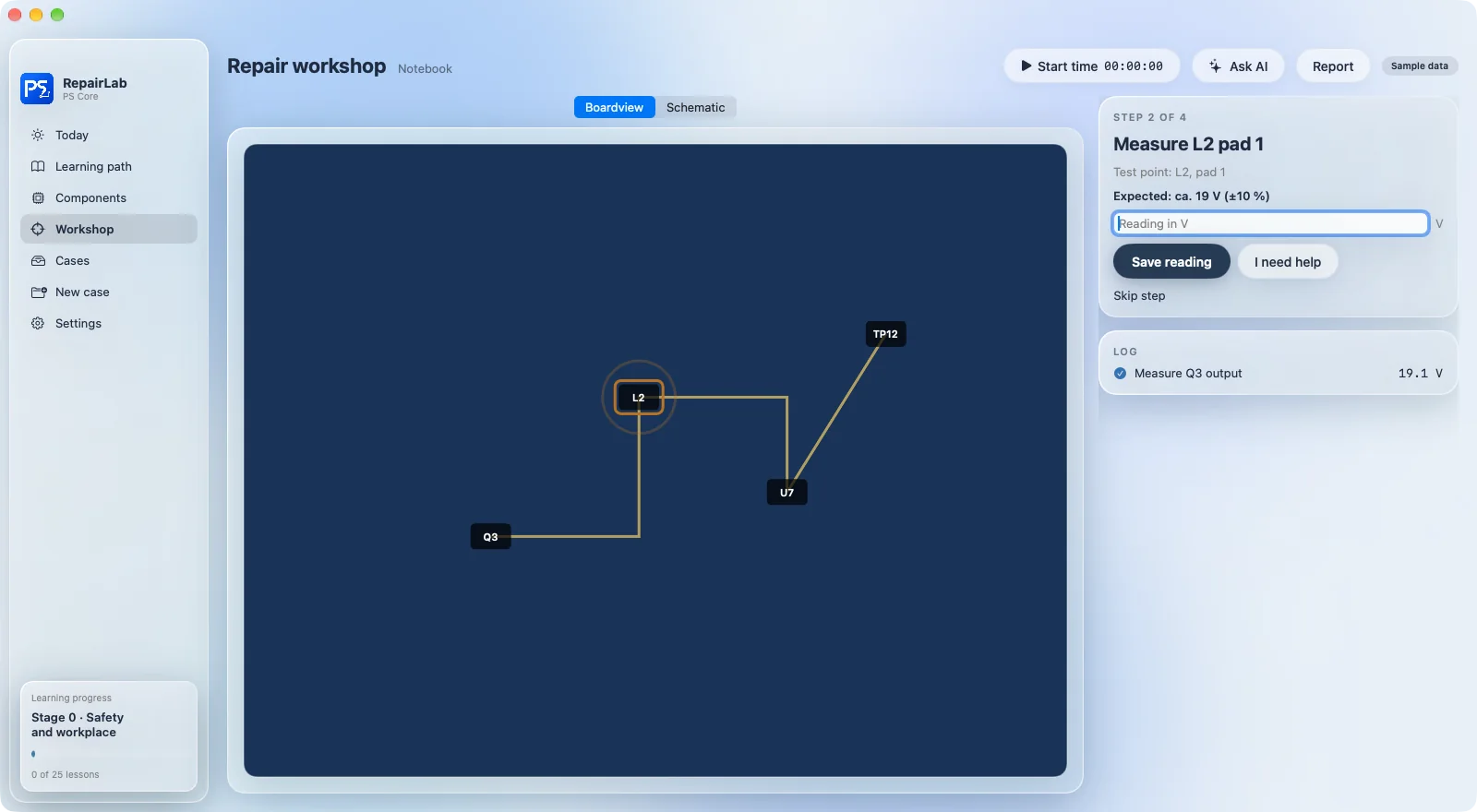
Boardview and schematic side by side, plus measurement steps that RepairLab builds from the board's power rails. Every reading is logged in the case journal.
- Expected value for every test point
- Save reference values from a known-good board
- Stopwatch for labour time
Report
Wrapped up properly.
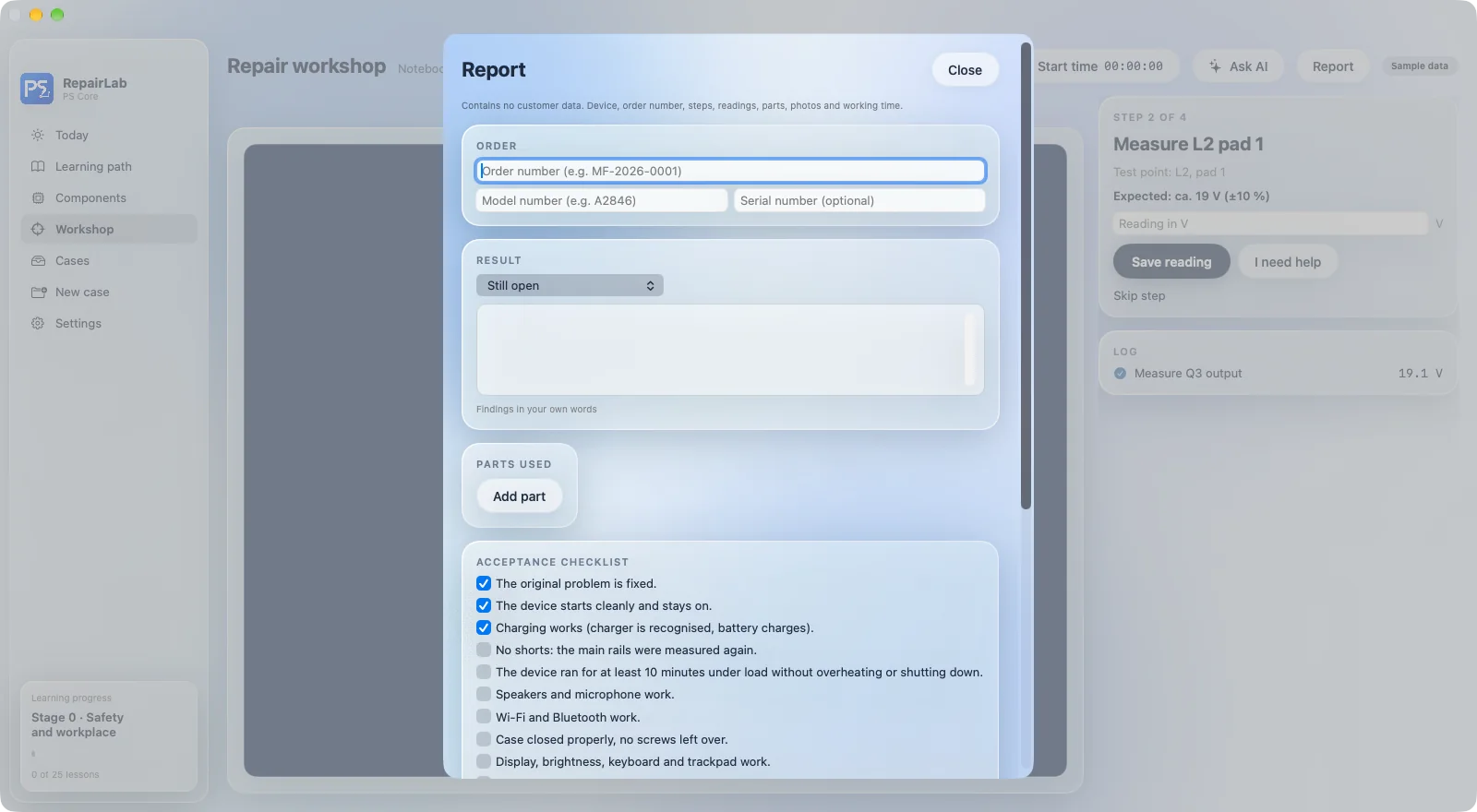
Final checklist, before and after photos, parts used and labour time. From this, RepairLab creates a customer report as a PDF.
- Labour time sent straight to the repair order in PS Core
- Customer report as a PDF
- Final checklist before handover
All RepairLab features
Learning
- Learning path with 8 levels and 25 lessons
- Quizzes, flashcards and review
- Exams with certificate
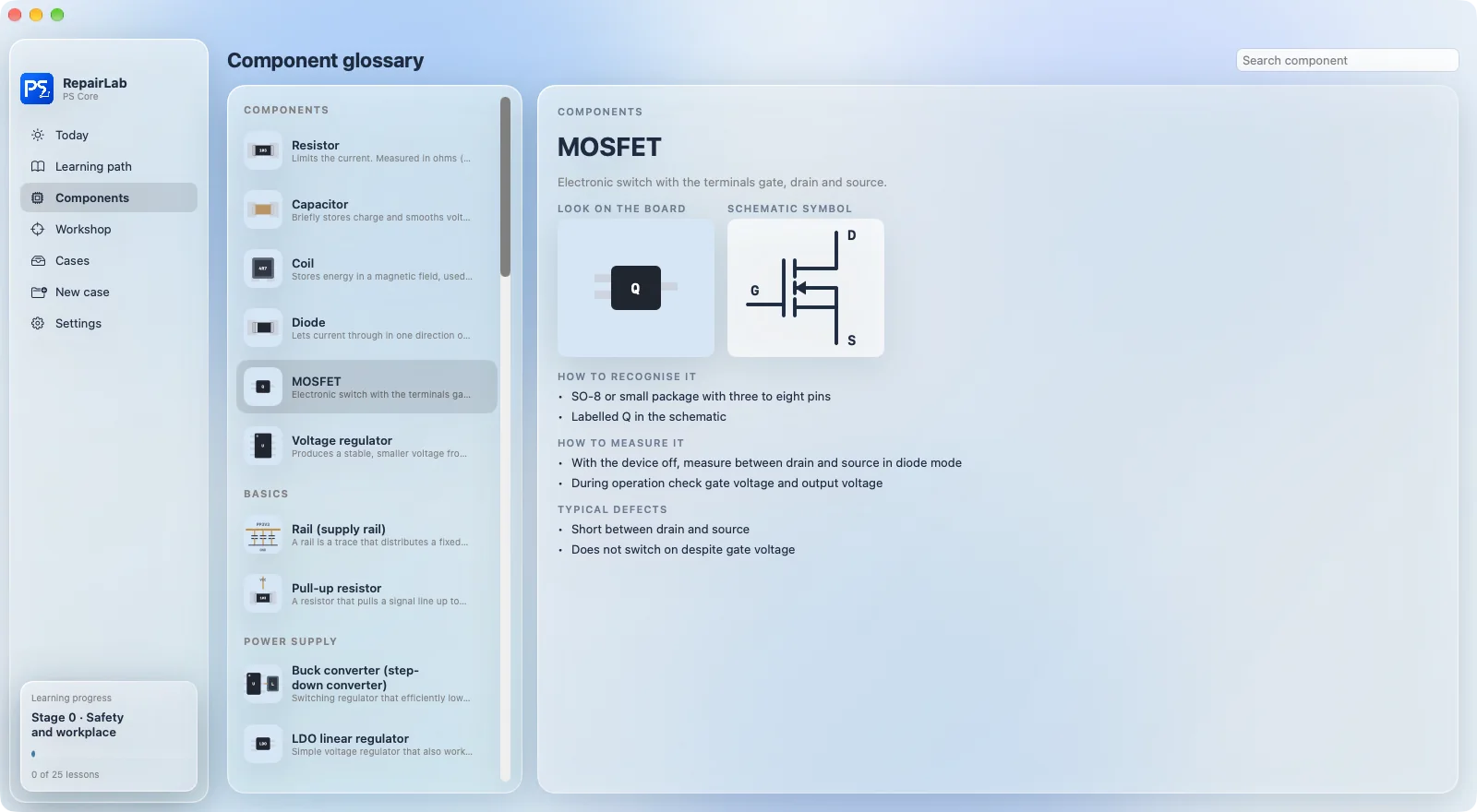
- Component glossary with drawings
Workshop
- Boardview (.brd) with nets and ratsnest lines
- Schematic PDF alongside
- Guided measurement steps with reference values
- Start from the symptom
Wrap-up and connection
- Case overview with search
- Final checklist and customer report
- Send labour time to PS Core
- AI help with your own key (optional)
How to start
Four steps
to RepairLab.
Set up PS Core
Register your business with PS Core.
Assign licences
Under “Tools”, each team member gets a seat and an activation code.
Download the app
The signed Mac app is also available for download under “Tools”.
Activate
Enter the code and you are done. Updates arrive automatically after that.
Data
Your customer data
stays in PS Core.
RepairLab opens a case with the device and model only, without names or contact details. Learning progress, reference values and notes stay on the Mac.
Questions about RepairLab
What do I need for RepairLab?
A Mac with macOS 14 or later, with Apple silicon or Intel, and a PS Core account whose plan includes the repair tool. The plans that include it are listed under pricing.
Does RepairLab include boardviews and schematics?
No. You work with your own files that you have the right to use. A demo board without files is included so you can try it out.
How many Macs does a licence cover?
A licence is per team member and covers up to two Macs. Several team members can share one Mac.
Which languages is RepairLab available in?
The interface is available in German, English, French, Italian and Spanish.